GolfBays

Loved by 10,000+ Happy Golfers

Garmin Golf Simulators & Launch Monitors

Garmin golf simulators are built for golfers who want serious feedback without a permanent, tech-heavy setup. With the Garmin Approach R10 and Approach R50, you get portable launch monitors that work seamlessly with the Garmin Golf app, making it easy to move from quick range sessions to full golf simulator rounds at home.

One of Garmin’s biggest benefits is simplicity: You get clean hardware, a straightforward interface, and simulator modes designed to be as fun as they are addictive.

10 PRODUCTS

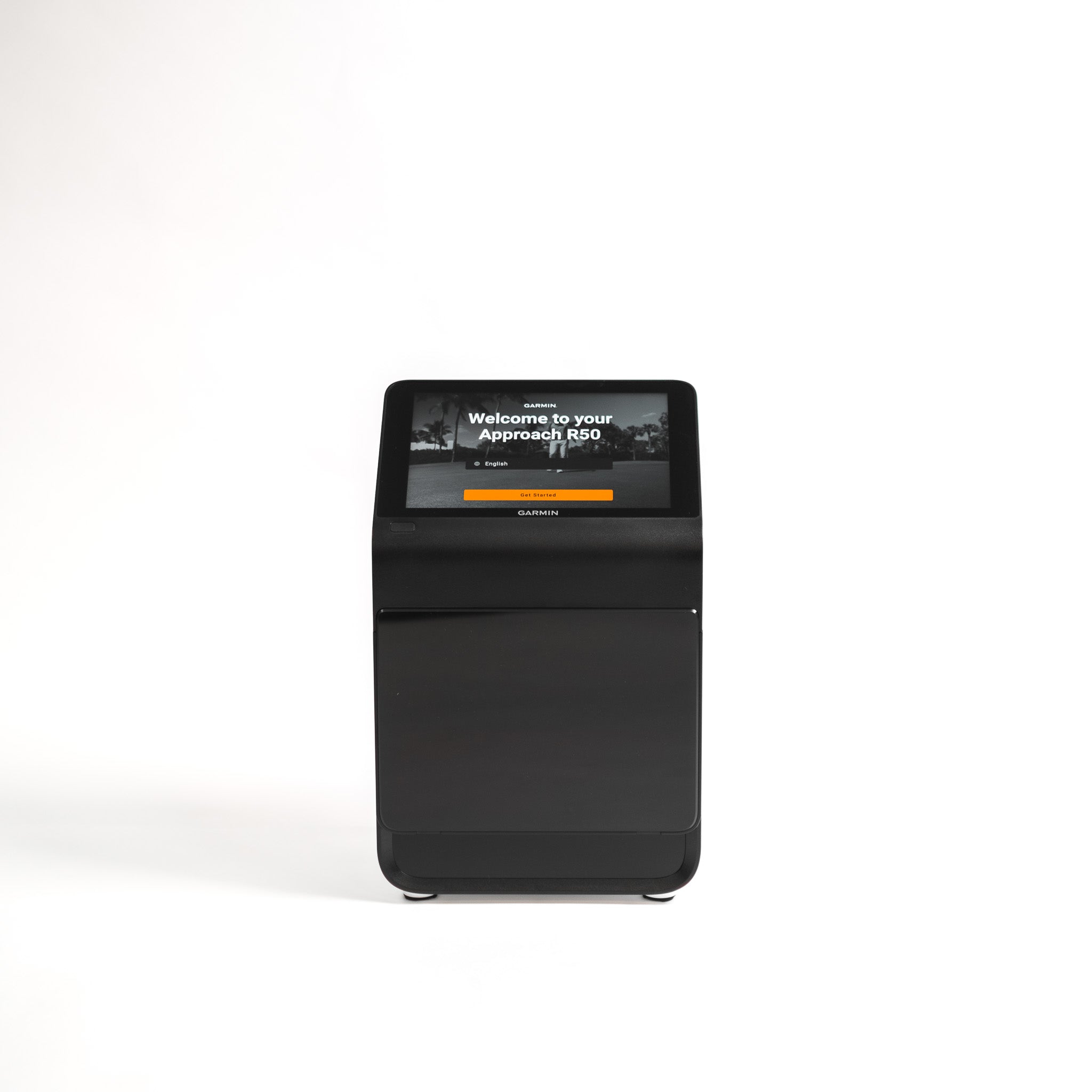
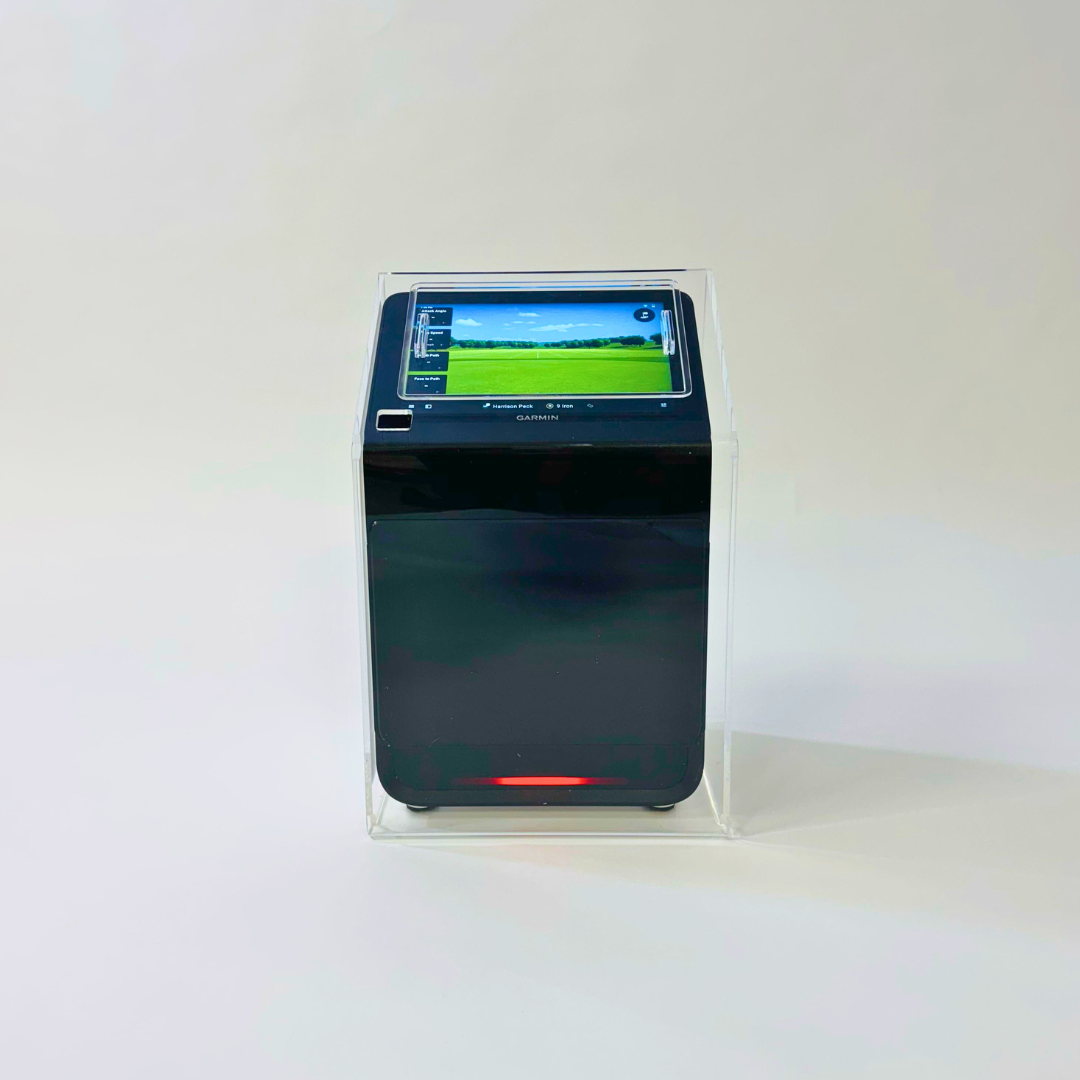
Garmin Approach R50 Golf Launch Monitor & Simulator
7 Reviews

Garmin Approach R50 Golf Launch Monitor & Simulator

€5.165,95 EUR
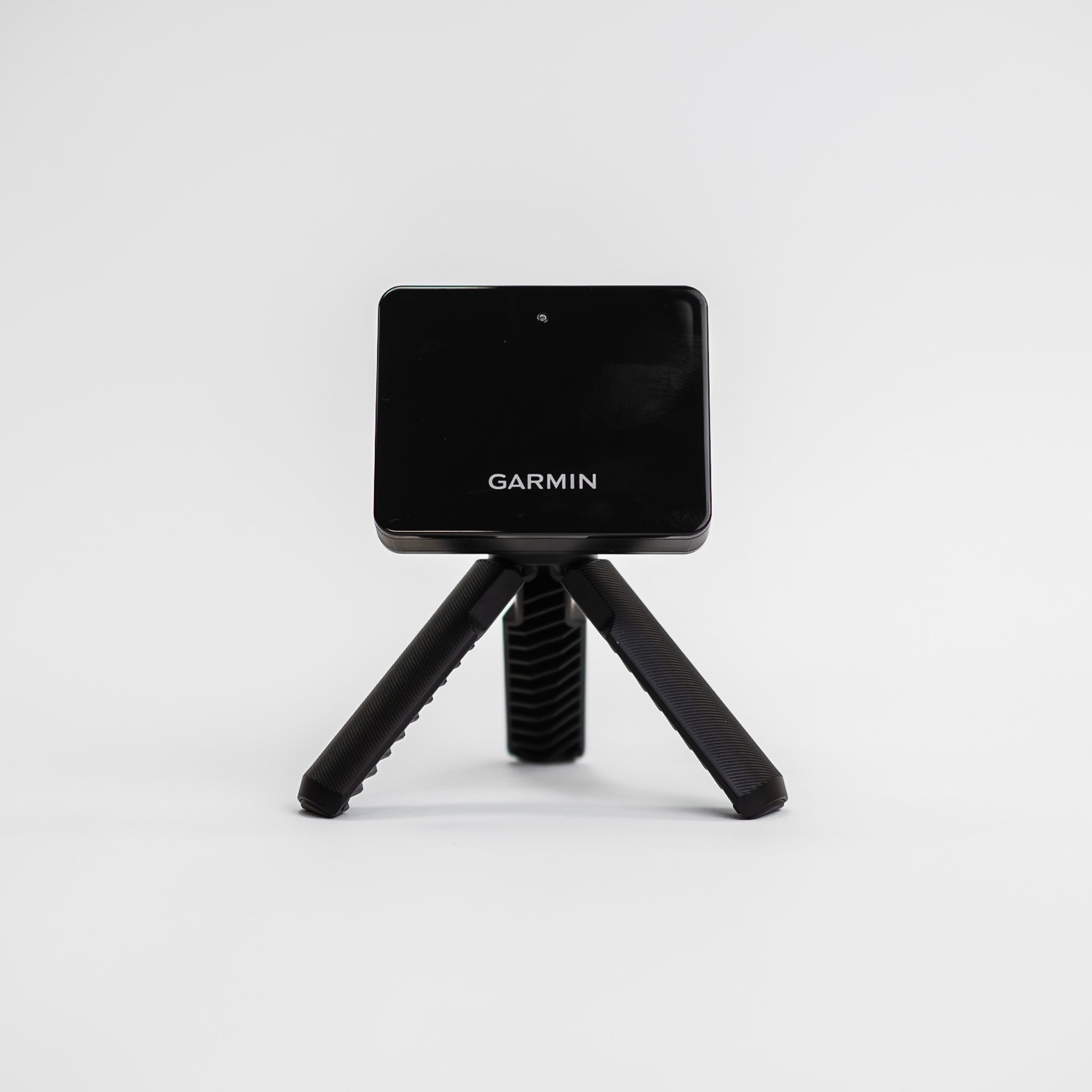
Garmin Approach R10 Portable Golf Launch Monitor
32 Reviews

Garmin Approach R10 Portable Golf Launch Monitor

€599,95€514,95 EUR Save: €85
Garmin Approach G80 GPS & Launch Monitor

Garmin Approach G80 GPS & Launch Monitor

€479,95 EUR
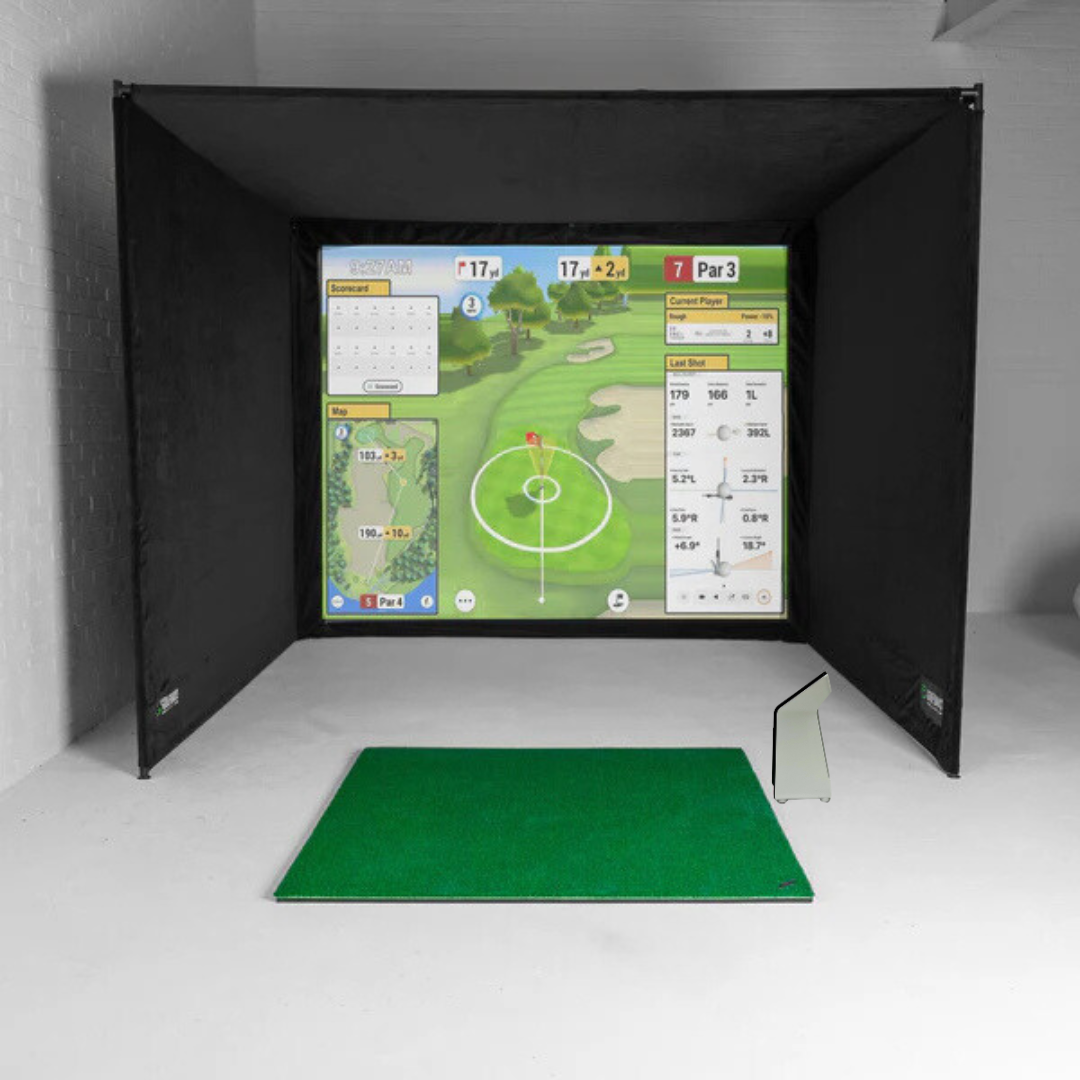
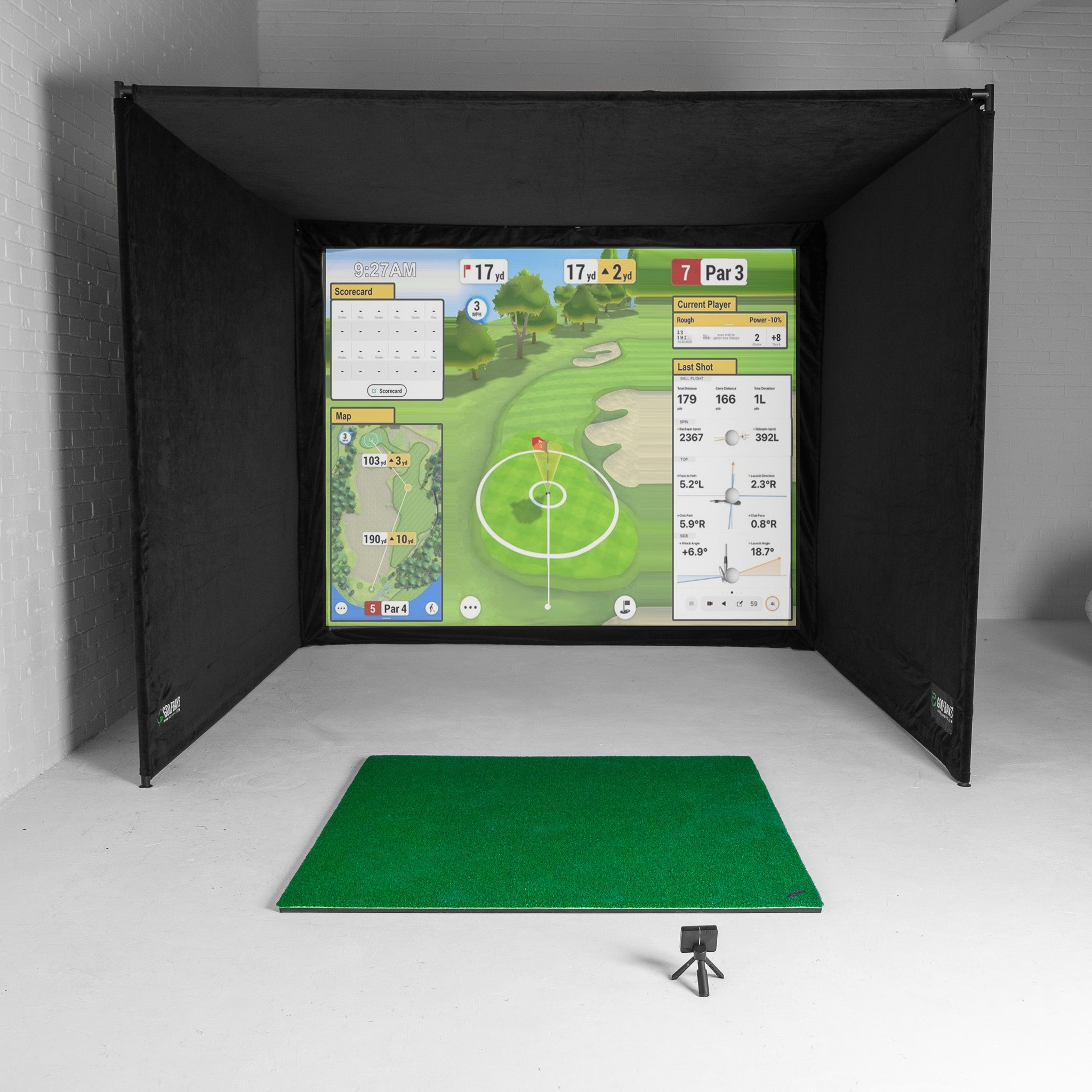
Garmin Approach R50 Home Golf Simulator Bundle
3 Reviews

Garmin Approach R50 Home Golf Simulator Bundle

€6.607,95€6.442,95 EUR Save: €165
GolfBays

BOOK A CONSULTATION

Experience GolfBays in Action!

Sold Out
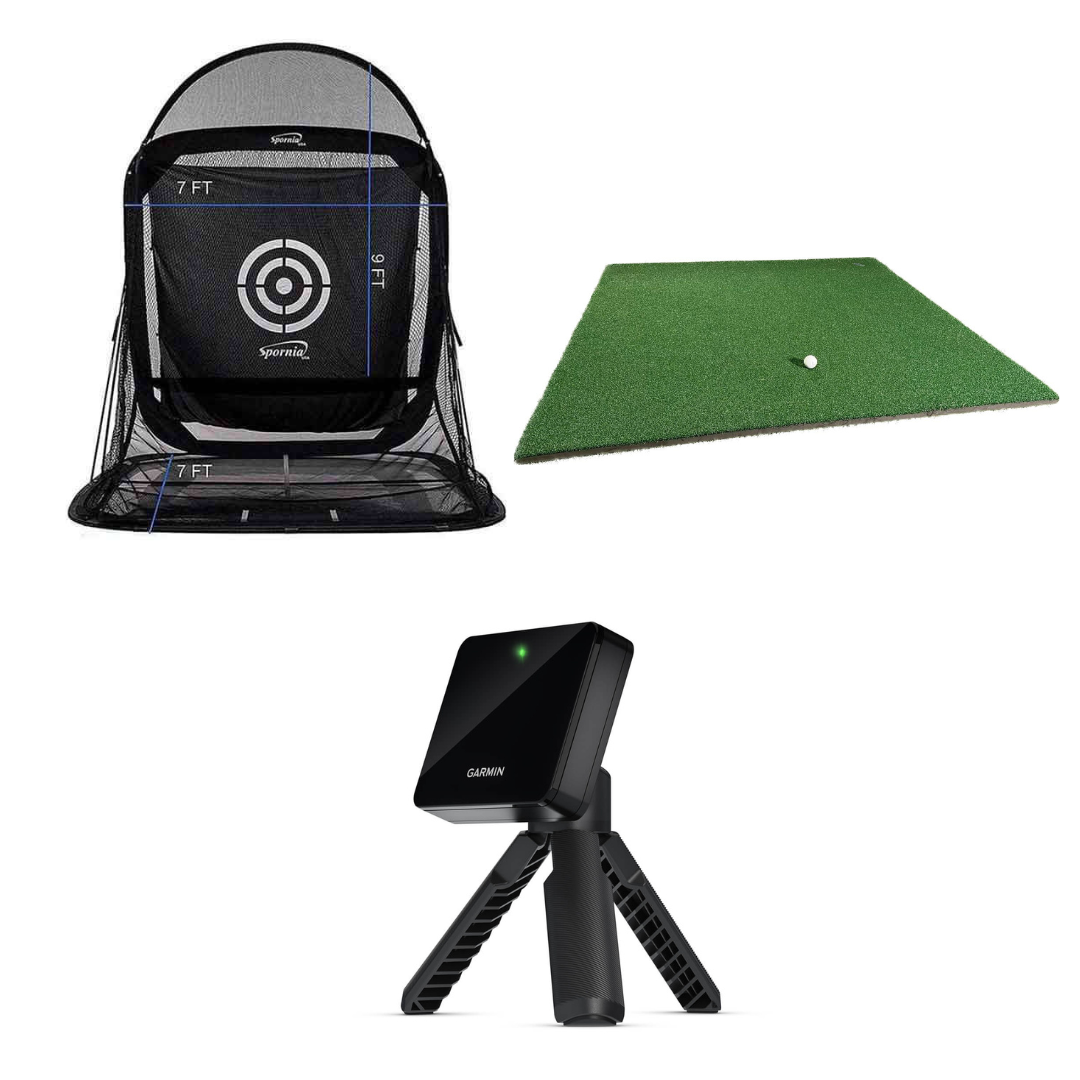
Spornia SPG-7 Golf Practice Net Garmin R-10 Bundle
1 Review

Spornia SPG-7 Golf Practice Net Garmin R-10 Bundle

€1.140,95 EUR
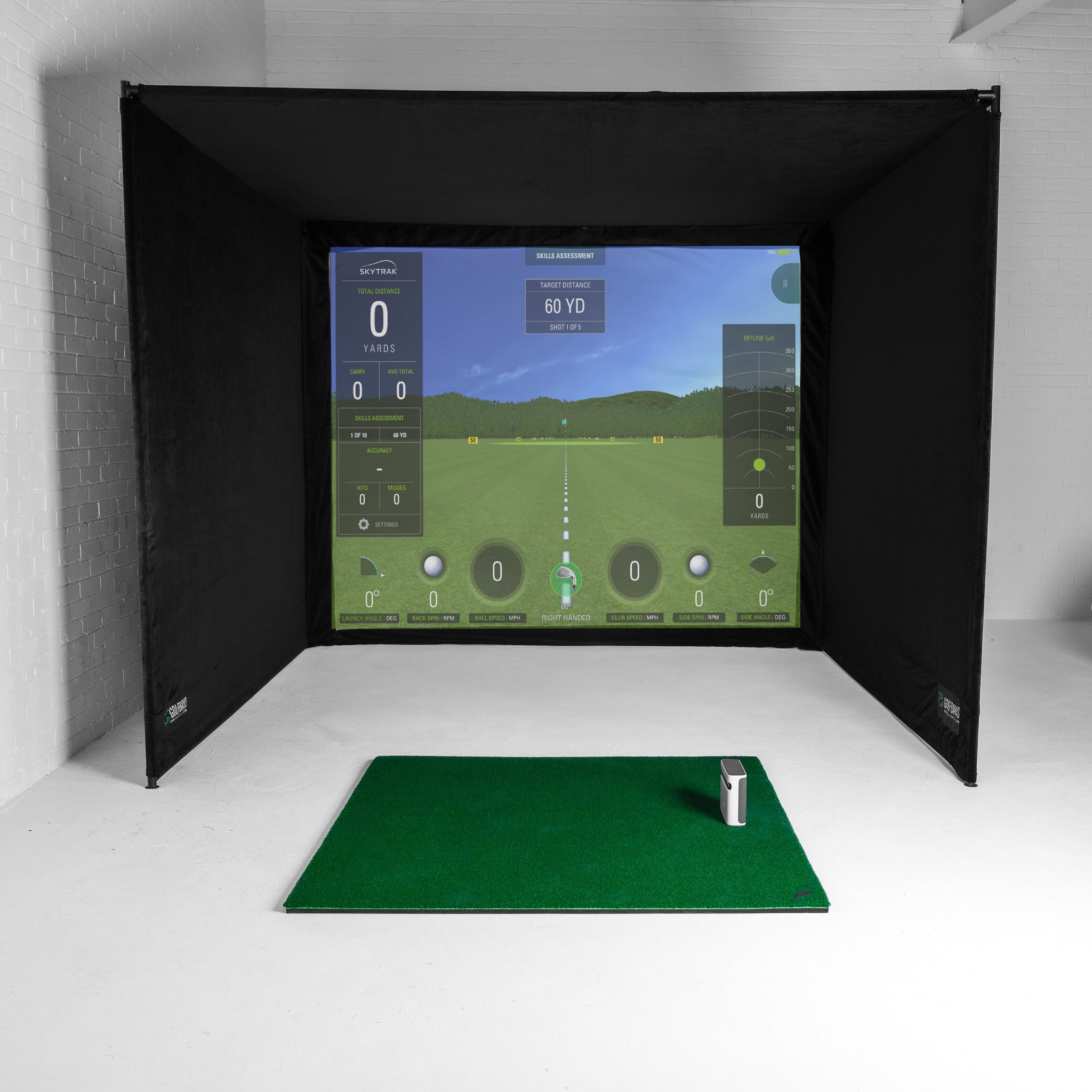
Garmin R10 Home Golf Simulator Bundle
8 Reviews

Garmin R10 Home Golf Simulator Bundle

€2.294,95€2.237,95 EUR Save: €57
Garmin R10 Protective Case
1 Review

Garmin R10 Protective Case

€48,95€40,95 EUR Save: €8
Garmin R10 EasySim Golf Simulator Bundle

Garmin R10 EasySim Golf Simulator Bundle

€1.763,95€1.719,95 EUR Save: €44
Garmin R50 Protective Case
1 Review

Garmin R50 Protective Case

€359,95€305,95 EUR Save: €54
Garmin Approach G82 GPS & Launch Monitor

Garmin Approach G82 GPS & Launch Monitor

€624,95 EUR

What you need to know about Garmin golf simulators

A joined-up Garmin experience

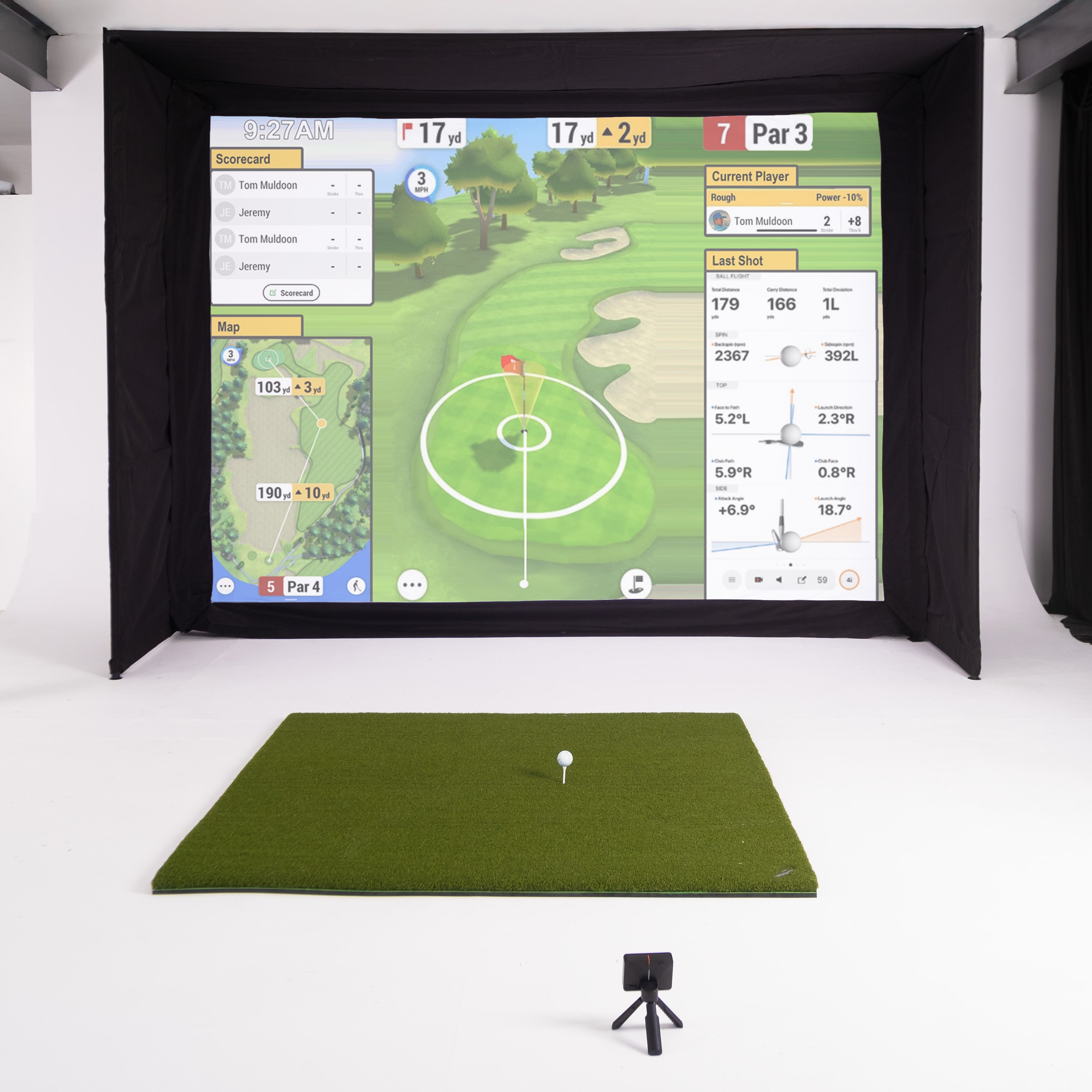
Garmin does not treat simulator golf as a bolt-on. The Garmin Golf app is the hub for practice, data history, and simulator modes, and a Garmin Golf membership unlocks Home Tee Hero so you can play virtual rounds on more than 42,000 courses.

Two flagship launch monitors, two different tracking approaches

Approach R10 is a compact radar-based launch monitor that sits behind the ball and is designed to be easy to move between home and the range. Approach R50 is a premium, camera-based simulator and launch monitor with a built-in 10-inch touchscreen and a three-camera system for club and ball tracking, plus impact video for clearer, faster practice feedback.

Flexible software options as your setup grows

Garmin fits neatly into real home simulator builds because you are not locked into a single ecosystem. If you want to expand beyond Garmin’s own modes, Garmin provides an official route for running E6 CONNECT through the Garmin Golf app, so you can build out your simulator experience without starting again from scratch.

Why we love Garmin golf gear...

Garmin simulators keep the barrier to practice low

Both the Garmin R10 and R50 keep setup simple with an app-led experience. Pair up, get your session running, and spend your time hitting shots rather than calibrating or troubleshooting.

Garmin puts the fun back into functional golf training (sorry).

Home Tee Hero is a big part of why Garmin works so well at home. With a Garmin Golf membership you get access to 42,000 plus courses, so you can play proper rounds and challenges. It’s so much more than an indoor driving range. And that longevity and playability help you rack up the rounds and take your game to new levels.

Get feedback that's practical, not overwhelming

With Garmin you get meaningful ball and club metrics you can train against. Step up to the R50 and you add a built-in touchscreen plus impact video, which makes it much easier to connect what you did with what the numbers say.

It's easy to tailor your setup

Garmin is a flexible choice because it supports simulator integration, including E6 CONNECT. You can start simple and expand your software setup without feeling boxed into one closed system.

It travels well between home and the range

Portability is a big strength of Garmin gear, especially with the Approach R10. It’s easy to pack away, easy to move, and straightforward to use across both indoor sessions and the range, which makes consistent practice far more realistic.


Frequently Asked Questions

Want 1-to-1 advice?

Yes for Home Tee Hero. Garmin ties Home Tee Hero to a Garmin Golf Membership, and that is what unlocks virtual rounds on more than 42,000 courses plus membership features like the weekly virtual tournament.

The Approach R10 is radar-based and sits behind the ball. Approach R50 is camera-based and uses a three-camera system, which is why it can offer impact video and a more on-device, simulator-style experience.

The Garmin R10 requires that the ball should be at least 8 ft from your impact screen or net, and the R10 should be 6 to 8 ft behind the tee location. In other words, 14 to 16 ft of depth total is the practical minimum before you factor in swing clearance and safety.

R10 goes 6 to 8 ft behind the tee location and must be aligned with the target line, because misalignment can skew directional readings. R50 sits about 1.5 ft to the side of the tee location, faces the hitting area, and performs best when it is roughly the same height as the tee location. These are not preferences, they are part of the measurement geometry.

Yes, but the method differs. With R10, you are typically viewing through the Garmin Golf app and Garmin explicitly supports mirroring your phone to a compatible smart TV using your phone’s screen mirroring feature. With R50, Garmin supports direct audio and video output by connecting a minimum 1080p-capable HDMI cable to the device’s A/V port and then to your display.

Yes. The key practical requirement is networking: the mobile device running the Garmin Golf app must be on the same Wi-Fi network as the computer running E6 CONNECT.

If you want club data on R50, yes. You must apply one of the included club stickers to the club face to track club data. Putting is different: club data is not recorded for putting, so you do not need a sticker on your putter, and you should not expect putter club metrics.

Ball flight condition settings affect carry distances. If your carry looks shorter or longer than expected, the first thing to check is whether ball flight conditions are set manually or matching the course location, and whether those conditions make sense for your practice environment.

It can if you do it incorrectly. If you are using a golf mat, the bottom edge of the R10 should sit above the mat. That is a practical way of saying do not bury the unit below the hitting surface or create an awkward height relationship between device and ball.

The R10 is radar-based, so it benefits from seeing more of the ball flight. Indoors you are working with a shorter flight window, which can make certain metrics more sensitive to setup variables like spacing, alignment, and the environment. Outdoors, with more flight to read, many golfers find the experience more forgiving and the numbers more stable.

Book a Free Consultation